
J-Tech Digital
Model: JTECH-VW05
JTD-ID: 670
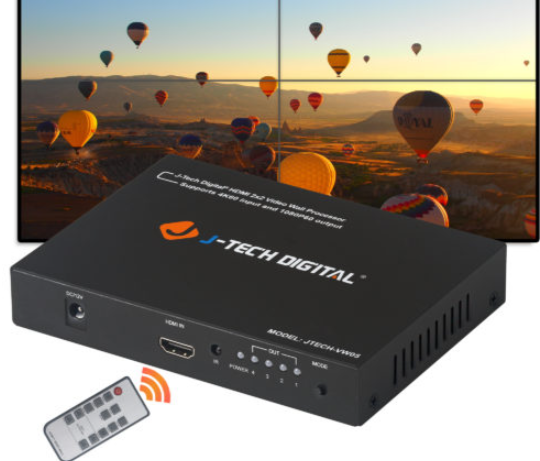
Overview:
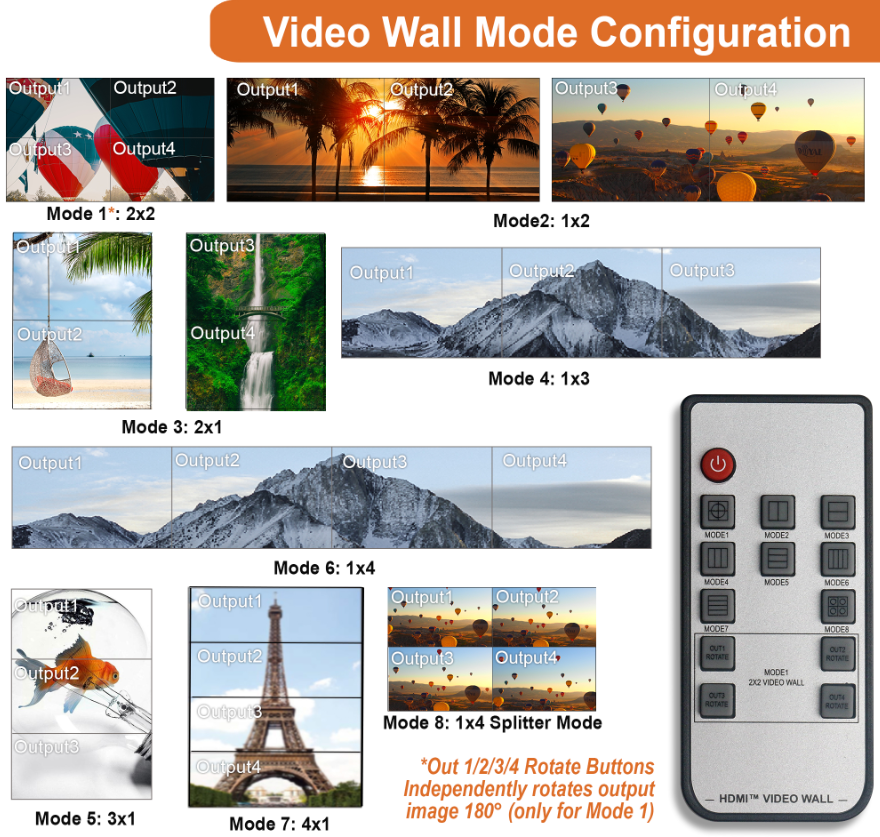
The JTECH-VW05 is a 4K2x2 Video Wall controller that supports image rotation at a full 4K 60Hz. A single input can be sent to 4 outputs for a full 4K video wall experience. The on-screen display allows end users to access important display modes and port information without menu navigation. Each output can be rotated independently on Mode 1. There are 8 configuration modes: 2×2 | 1×2 | 2×1 | 1×3 | 3×1 | 1×4 | 4×1 | 1×4. As with all of our products, this unit has lifetime support through J-Tech Digital.
Application:
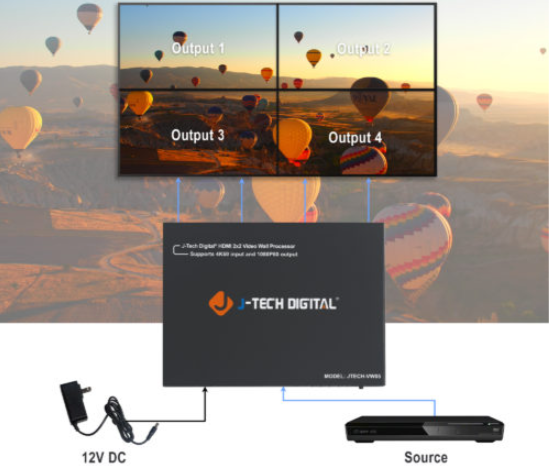
- Sending signal from a source to 4 TVs at 4K 60Hz.
- Rotate each display individually or combined.
- Access various video wall modes through the unit's visual interface or via the remote control.
Setup:
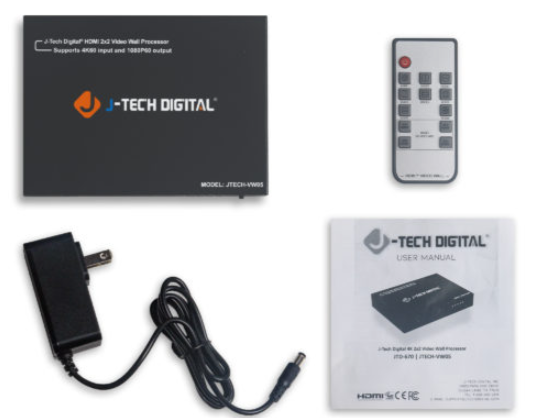
- Prior to powering the unit on, connect the source to the VW05's HDM IN.
- Connect each HDMI OUT to 1 TV each, beginning with Output 1 at the top left and ending at Output 4 at the bottom right.
- Power the device on and enjoy content.
Troubleshooting:
- Power
- If the device is not receiving any power, be sure to try a different outlet or surge protector. If there is still none, contact support, as the power adapter or unit may require replacement.
- Video
- If the source is not providing video, confirm the functionality and variant of the HDMI cable. Try an alternative source to see if it produces video.
- If the alternative source produces video: The VW controller works and the issue may be with HDCP or the original source's HDMI port.
- If the alternative source produces no video: The VW controller may be having trouble and we suggest contacting support.
- If one or more outputs display no video, while others work, confirm the functionality and variant of the HDMI cable. Also confirm that the non-working displays are properly set to the correct input.
- If the source is not providing video, confirm the functionality and variant of the HDMI cable. Try an alternative source to see if it produces video.
- Audio
- If no audio is being provided to one or more displays while others work, confirm the functionality of the associated, non-working audio display's HDMI cable.
Comments
0 comments
Please sign in to leave a comment.