

***Note - In order to customize the port names on the JTECH-EX-120M-UN-S switch, you will first need to connect to the web interface of the switch. Instructions on how to do so can be found here:
How to connect to the JTECH-EX-120M-UN-S web GUI
After you have successfully connected to the web GUI, continue with the following instructions:
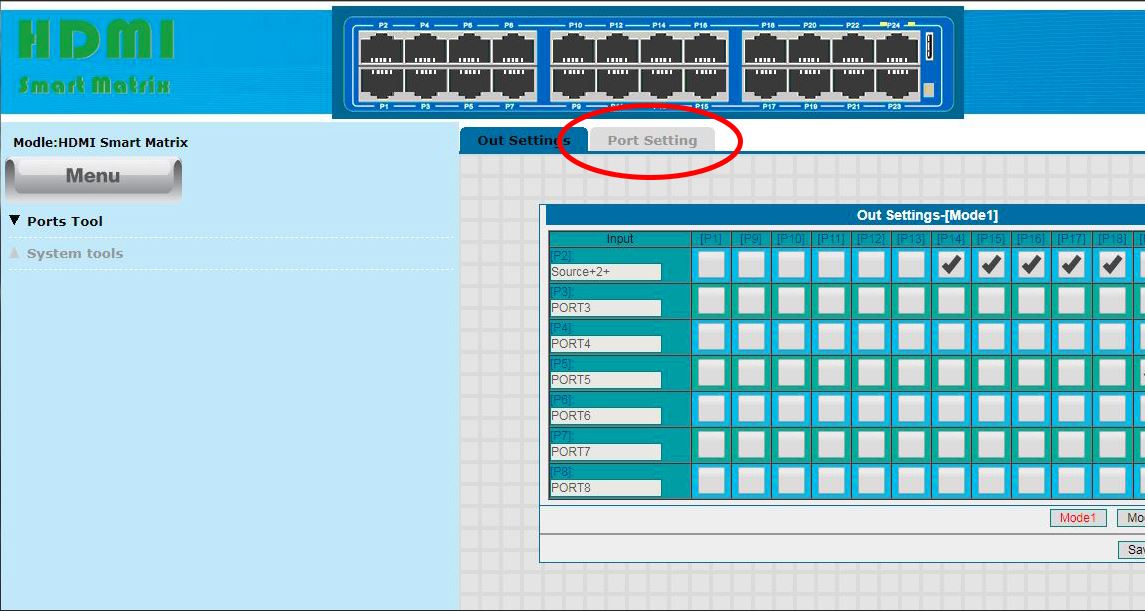
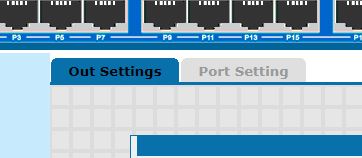
- Click on the "Port Setting" tab
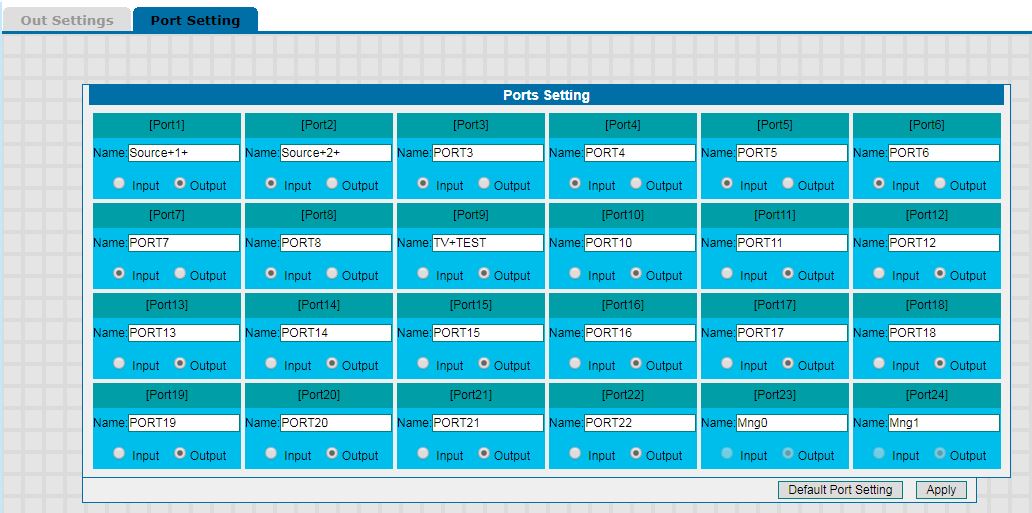
- Select the port you would like to customize and designate it as either an "Input" or "Output" port using the corresponding selector circles underneath the port name.
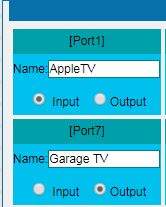
- Select the name field and type your custom port name. In this example, we set Port 1 as an "Input" named "AppleTV" and Port 7 as an "Output" named "Garage TV".
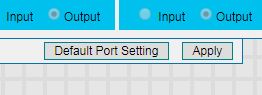
- After you are finished customizing your port names, hit the "Apply" Button in the bottom right hand corner.
- Click on the "Out Settings" tab to view your changes. ***Note - Hovering over the Output port number (ex: [P7] ) will show your customized port name (ex: [Garage+TV]).
If you have any further questions or need more help, our Technical Support team is available Monday - Friday, 9AM - 6PM CST.
support@jtechdigital.com
(888) 610-2818
Comments
0 comments
Please sign in to leave a comment.